

Self-hosted task management means the software runs on infrastructure you control — a home server, a VPS, a closet machine — instead of a vendor's cloud, so your job data stays put and nobody can lock you out for missing a payment. The distinction that actually matters isn't where it runs, though; it's what it costs you instead of money. Most self-hosted tools are free, open-source projects that trade your dollars for your setup time, while a smaller group sell a license once and leave the maintenance to you either way.
TL;DR:
- Self-hosted task management shifts control (and maintenance work) from a vendor to you — the trade-off is time and technical comfort, not just money.
- Open-source tools like Vikunja are free to run but require you to patch, back up, and troubleshoot the server yourself.
- There's no self-hosted version of Todoist — it's a closed-source, cloud-only product, full stop.
- Microsoft's task tools (To Do, Planner) run entirely on Microsoft's servers as part of a Microsoft 365 subscription; neither can be self-hosted.
- One-time-purchase tools like ReplaProject sit between the two: you still host it, but you pay once instead of renting features per seat, forever.
Table of Contents
- What Self-Hosting Actually Buys You (and What It Costs You Back)
- Open Source vs. One-Time Purchase: Two Paths to Self-Hosted Task Management
- Is There a Self-Hosted Version of Todoist?
- Vikunja, Explained: What It Handles Well and Where It Runs Out of Road
- Does Microsoft Have a Task Manager Tool? Why It Doesn't Solve This
- The Top Task Management Apps, Ranked by Who They're Actually For
- What to Check Before You Self-Host Anything
- Get Board, Table, and Calendar Views of Every Job — Without a Monthly Bill
- Frequently Asked Questions
- Sources
What Self-Hosting Actually Buys You (and What It Costs You Back)
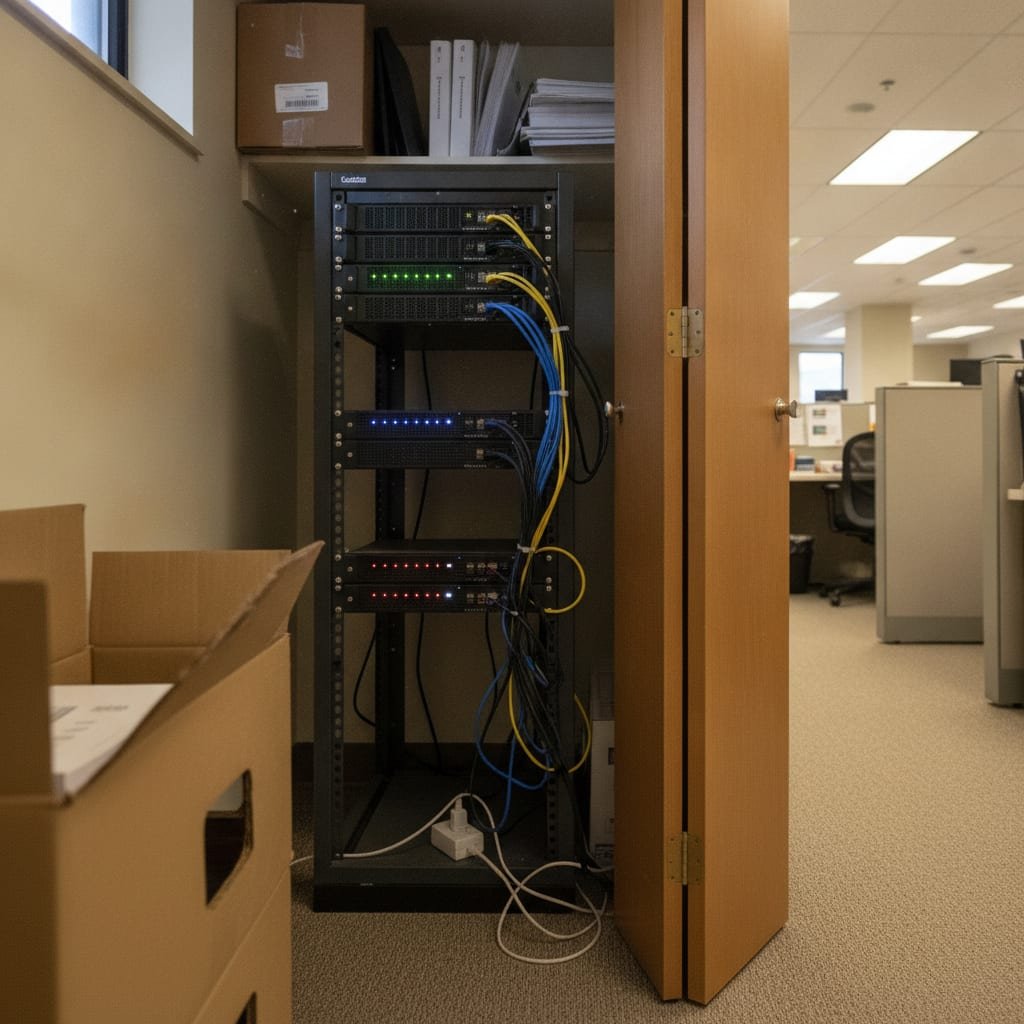
When you self-host, you're renting a server instead of renting software. The task manager itself might be free, cheap, or a flat one-time fee, but you're now responsible for the things a SaaS vendor used to handle quietly in the background: uptime, backups, security patches, and the 2 a.m. phone call when the database fills the disk. That's the real trade you're making, and most comparisons skip past it to argue about features.
- Data ownership. Your job history, client notes, and internal comments live on a machine you control, not on a server a vendor can subpoena, sell, or shut off.
- No surprise pricing. Nobody can raise your per-seat rate at renewal, because there's no seat-based renewal.
- You own the risk, too. If the server goes down at 6 a.m. on a Monday, that's your outage to fix, not a support ticket to file.
- Patching becomes your job. Software that sits on the open internet needs updates applied promptly, and self-hosting means nobody applies them but you.
The U.S. Cybersecurity and Infrastructure Security Agency requires federal agencies to patch critical vulnerabilities within 15 days under Binding Operational Directive 19-02 — a reasonable benchmark for any small business running its own server, too, not just government IT departments.
15 days: the patch window CISA sets for critical vulnerabilities on internet-facing systems. If your self-hosted task manager touches the open internet, treat that as your deadline too.
Open Source vs. One-Time Purchase: Two Paths to Self-Hosted Task Management
Every self-hosted option falls into one of two camps, and conflating them is where most buying guides go wrong. Open-source tools are free to download and run, funded by donations or paid cloud tiers, maintained by volunteers or small teams. One-time-purchase tools charge you once for a finished product and don't ask you to contribute code or wait on a community forum for a bug fix.
| Factor | Open-source self-hosted (e.g., Vikunja) | One-time-purchase self-hosted (e.g., ReplaProject) |
|---|---|---|
| Upfront cost | Free | Flat fee, paid once |
| Hosting | You provide it | You provide it |
| Setup time | Hours to a full day, depending on Docker familiarity | Similar, but usually a single installer or container |
| Support | Community forums, GitHub issues | Vendor support, since someone's selling it |
| Feature pace | Depends on volunteer contributors | Depends on the vendor's roadmap |
| Best for | Technical teams comfortable troubleshooting their own stack | Teams that want to pay once and move on |
Neither camp is wrong. If your team has someone who enjoys reading Docker logs on a Saturday, open source saves real money. If nobody on your team wants that job, a one-time purchase is worth paying for, because the alternative is a manager quietly becoming unpaid IT staff.
Is There a Self-Hosted Version of Todoist?
No. Todoist is a closed-source, cloud-only product, and its maker has never released a self-hosted edition or a way to run it on your own server. If keeping your task data off someone else's cloud is the whole point of your search, Todoist simply isn't in the running — you'd need to switch tools, not configuration settings, to get that outcome. The closest open-source equivalents in spirit (simple lists, due dates, recurring tasks) are personal apps built specifically to be self-hosted from day one, not clones of a SaaS product that was never designed to leave the cloud.
Vikunja, Explained: What It Handles Well and Where It Runs Out of Road
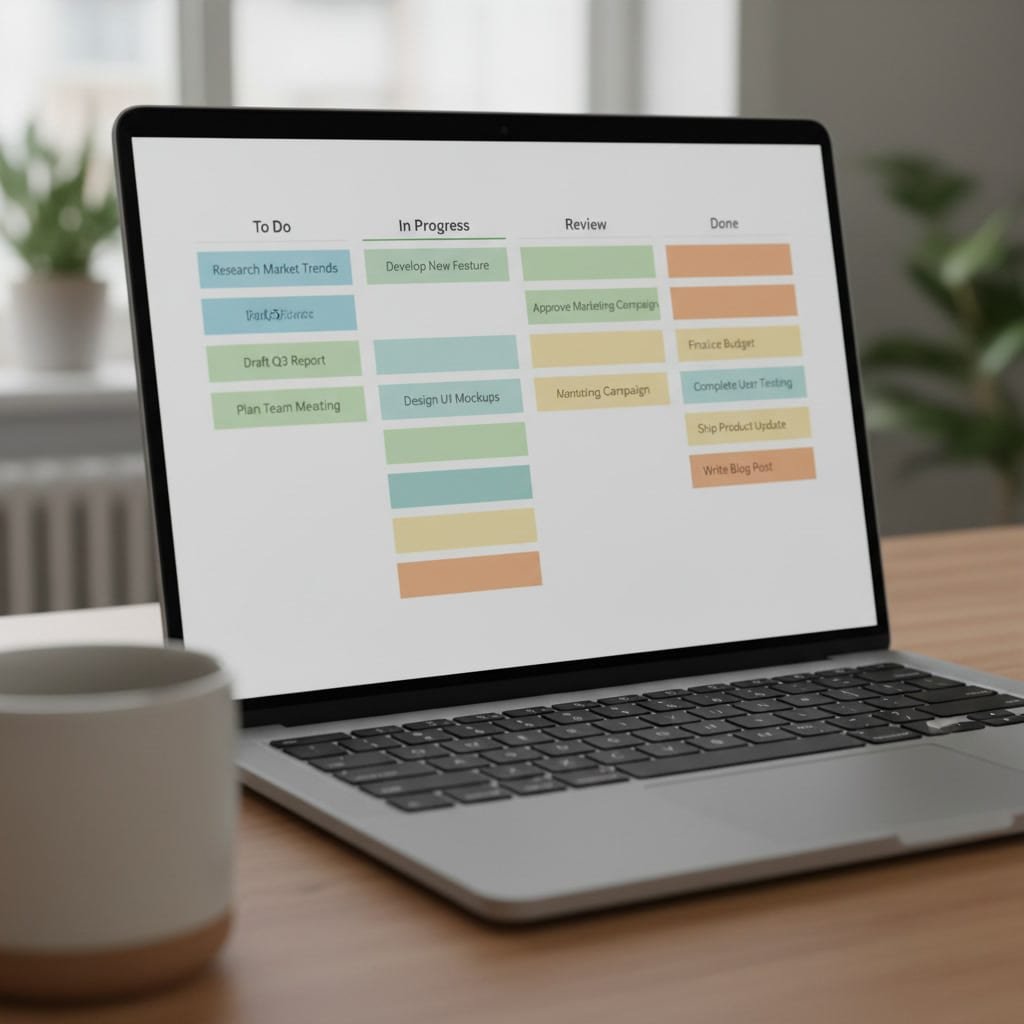
Vikunja is the name that comes up first in almost every self-hosted task management search, and it earns the spot. It's open source under the AGPLv3 license, ships as a Docker image, and gives you list, board (kanban), table, and Gantt-style views of your tasks — a genuinely flexible set of ways to look at the same work.
Where it runs thinner is in the parts that matter once a small business tries to run real jobs through it, not just personal to-dos:
- No native email-to-task intake. Turning a customer email into a job means copying details over by hand or wiring up a separate automation tool.
- Dependency tracking is manual. You can link tasks, but nothing tells you which job is actually blocked and why.
- You're still the sysadmin. Updates, backups, and uptime are on you, same as any open-source self-hosted tool.
None of that makes Vikunja a bad choice — for a technical team or a solo user who wants full control and doesn't mind the maintenance, it's a solid, actively developed option with a public GitHub repository you can inspect before you trust it with anything. It just isn't built around the specific problem of running a trades business or small office, where jobs arrive by email and get stuck waiting on somebody else's delivery.
Pro Tip: Before you commit real jobs to any self-hosted tool, spin up its Docker image on a cheap VPS and run it for 30 days on throwaway data first. If you can't get automated backups working cleanly in that trial window, you won't get them working once the server is holding live client work and the pressure to "just use it" kicks in.
Does Microsoft Have a Task Manager Tool? Why It Doesn't Solve This
Yes — Microsoft offers two, To Do and Planner, both included with a Microsoft 365 subscription. Both run entirely on Microsoft's cloud infrastructure. There is no on-premises version, no downloadable server package, and no way to point either tool at your own machine. If you're searching for self-hosted task management specifically because you want your data off someone else's servers, Microsoft's tools are the opposite of what you're looking for, regardless of how good the interface is. They're worth mentioning only because they show up in "best task app" searches constantly, and it's worth being clear upfront that they don't belong in a self-hosted comparison at all.
The Top Task Management Apps, Ranked by Who They're Actually For
"Best" depends entirely on whether you're managing your own to-do list or a crew of twelve. Here's how the field actually splits:
| Tool | Best for | Hosting | Pricing model |
|---|---|---|---|
| Vikunja | Technical individuals or small teams wanting full control | Self-hosted (Docker) | Free, open source |
| Todoist | Solo users who want a polished app and don't mind the cloud | Cloud only | Free tier + paid subscription |
| Microsoft Planner/To Do | Teams already paying for Microsoft 365 | Cloud only | Included in Microsoft 365 |
| Focalboard | Teams that want a Trello-style board they host themselves | Self-hosted or cloud | Free, open source |
| ReplaProject | Small trades and office teams tired of per-seat billing | Self-hosted | One-time purchase |
For a single person managing a personal list, Todoist remains genuinely excellent — the mobile app, natural-language due dates, and cross-platform sync are hard to beat, and self-hosting adds no value to a one-person to-do list anyway. For a small business trying to move jobs through a pipeline with several people touching each one, the calculation flips entirely: you want views built for tracking work across a team, not a personal list with sharing bolted on.
Ten people on a $10-per-seat, per-month board tool costs $3,600 over three years. A one-time $399 license costs $399, forever.
What to Check Before You Self-Host Anything
Before you install any of the tools above, confirm you actually have the pieces in place to run them responsibly:
- A backup schedule you've tested, not just configured. A backup you've never restored from isn't a backup — it's a hope.
- A patching habit. Set a recurring calendar reminder to check for updates monthly, since nobody else will do it for you.
- SSL and access control. Anything reachable from the open internet needs HTTPS and a login wall, not just a hope that nobody finds the URL.
- A named person responsible. "The team" is not an owner. One person needs to actually own the server, even if that person is you.
Skip any one of these and you haven't avoided vendor risk — you've just traded a vendor's outage for your own, with worse support.
Get Board, Table, and Calendar Views of Every Job — Without a Monthly Bill
ReplaProject is built for the exact gap this article keeps circling back to: small trades and office teams who want the control of self-hosting without becoming part-time system administrators or paying per seat forever. It's a one-time purchase at $399 flat — add your whole crew for that single fee, not per person — and it gives you board, table, and calendar views of every job, email-to-task intake so a forwarded email becomes a job automatically, and automatic dependency detection that flags what's actually holding a job up. There's also an AI assistant that can suggest jobs from incoming requests, with a human approving every one before it's created. The honest caveat: it's still self-hosted, which means you (or someone on your team) need a server to run it on — check the spec sheet before you buy to make sure your setup fits.
Frequently Asked Questions
Is there a self-hosted version of Todoist available?
No. Todoist is closed-source and runs only in the cloud, with no self-hosted release ever offered by its maker. If self-hosting is the goal, you'll need a different tool entirely, such as an open-source option like Vikunja or a one-time-purchase product.
What is the best personal task management app?
For a single person's own to-do list, cloud apps like Todoist remain hard to beat on polish and mobile sync, and self-hosting adds little value at that scale. For anyone who specifically wants a self-hosted personal option, open-source apps built for individual use are a better fit than trying to self-host a team-oriented tool.
Does Microsoft have a task manager tool?
Yes, Microsoft offers To Do and Planner, both included with a Microsoft 365 subscription. Both are cloud-only services with no on-premises or self-hosted option, so they don't fit a self-hosted requirement.
What are the top 5 task management apps?
It depends on whether you need a personal list or a team tool: Vikunja and Focalboard lead the free, self-hosted category; Todoist and Microsoft Planner lead the cloud category; and ReplaProject leads the one-time-purchase, self-hosted category built specifically for small teams.
Is Vikunja free to use?
Yes, Vikunja is open source under the AGPLv3 license and free to self-host on your own server via Docker. You'll still need to provide and maintain the server it runs on, including backups and updates.
How much does ReplaProject cost?
ReplaProject is a one-time purchase priced at $399 flat, covering an unlimited number of users rather than charging per seat. You'll still need to host it on your own server or a VPS, so it's worth confirming your setup meets the requirements before buying.