

Open source task management self hosted means two separate decisions bundled into one search: whether the software's code is public, and whether you run it on your own server instead of someone else's cloud. You can have open source without self-hosting (a managed version of Redmine) or self-hosting without open source (a closed tool installed on your own box). The tools that matter for small teams combine both — and the real cost isn't the license, it's who keeps the server running.
TL;DR:
- Open source and self-hosted are different questions — you can have one without the other.
- OpenProject, Redmine, Taiga, Focalboard, and Vikunja cover most use cases, from heavy project tracking to simple kanban.
- "Free" self-hosted tools still cost server time, patching, and backups — real hours every month, even without an invoice.
- Self-hosted open-source chat apps like Element (built on Matrix) and Rocket.Chat pair naturally with a self-hosted task board.
- A flat-fee, one-time-purchase tool skips both the subscription and the sysadmin work, for teams who'd rather not run a server at all.
Table of Contents
- Open Source vs. Self-Hosted Task Management: Two Different Questions
- The Five Open-Source Tools Worth Actually Installing
- Is There a Free Task App? Yes, But "Free" Has Three Prices
- When the DIY Server Becomes the Most Expensive Line Item
- Self-Hosted Messaging That Pairs With a Self-Hosted Board
- Templates, GitHub Repos, and the Build-It-Yourself Route
- Get the Board Without the Server Admin Job
- Frequently Asked Questions
- Sources
Open Source vs. Self-Hosted Task Management: Two Different Questions
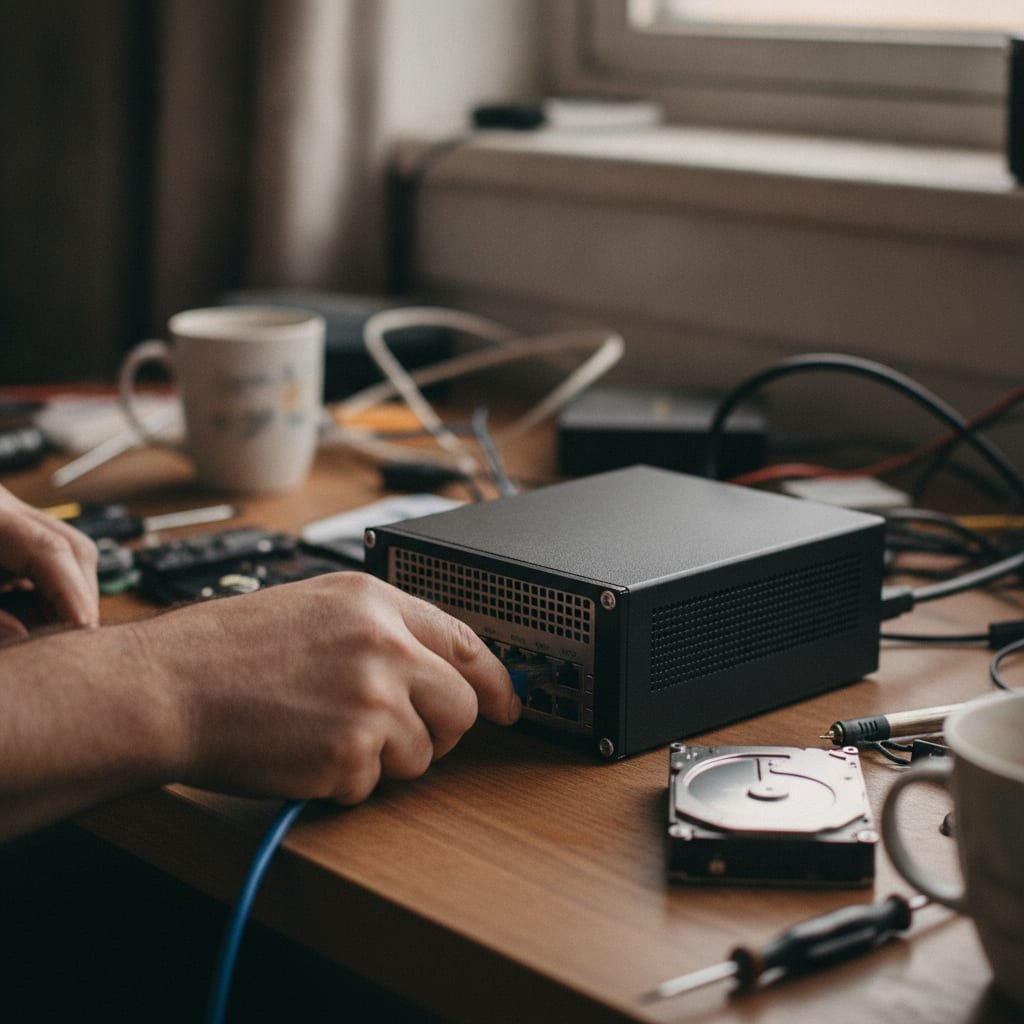
Most people searching this phrase assume "open source" and "self-hosted" are the same decision. They aren't. The Open Source Initiative defines open source by what you're allowed to do with the code — see it, modify it, redistribute it — which has nothing to do with where the software physically runs. You can run open-source software on a vendor's cloud, and you can self-host a closed-source product on your own server. The two labels describe different things, and confusing them is how people end up disappointed with either choice.
OpenProject is a clean example of both at once: the code is public, and you can install it yourself on a Linux box or pay the company behind it to host it for you. Redmine, by contrast, is open source and almost always self-hosted, because nobody sells a polished managed version of it — if you want Redmine, you're running Redmine. Knowing which combination you actually need, before you start comparing tools, saves you from installing software built for a problem you don't have.
The Five Open-Source Tools Worth Actually Installing
If someone asks what the top open source software options are in this category, these five come up again and again, and each earns its spot for a different reason. They range from heavyweight project suites to single-purpose kanban boards, and picking the wrong size for your team is the most common mistake.
| Tool | Best For | Setup Effort | Interface Style |
|---|---|---|---|
| OpenProject | Teams that need Gantt charts, roadmaps, and agile boards together | Moderate — Docker Compose or package install | Full project suite |
| Redmine | Technical teams already comfortable running a Ruby stack | Moderate to high — plugins do the heavy lifting | Issue tracker with add-ons |
| Taiga | Agile and scrum teams running sprints | Moderate — Docker | Scrum board plus kanban |
| Focalboard | Small teams who just want Trello-style boards | Low | Single-purpose kanban |
| Vikunja | Individuals or small teams managing flat task lists | Low | Lists and boards, web and mobile |
OpenProject
This is the closest thing to an enterprise project tool in open-source form — Gantt charts, budgets, agile boards, and time tracking in one install. It's also the heaviest to run; expect a real server, not a spare laptop under a desk.
Redmine
Redmine has been around since 2006 and is still maintained because development teams keep using it as an issue tracker with project features bolted on. The learning curve is steeper than anything else on this list, mostly because the interface hasn't changed much in over a decade.
Taiga
Built for teams that think in sprints, Taiga gives you a scrum board with story points and burndown charts alongside a simpler kanban view for teams that don't want the ceremony.
Focalboard
If your mental model of project management is a Trello board, Focalboard gets you there without a subscription. It's intentionally narrow — boards and cards, nothing more — which is either a relief or a limitation depending on what you need.
Vikunja
Vikunja skips boards-as-the-default and leans into simple task lists with due dates, labels, and a mobile app. It's the lightest install on this list and the easiest to run on a small VPS.
Is There a Free Task App? Yes, But "Free" Has Three Prices
Yes — Wekan, Focalboard, and Vikunja are free to self-host, and the free tiers of hosted tools like Trello work for very small teams without paying anything. But "free" software still has a bill; it just moves the bill somewhere less obvious than a monthly invoice.
- Server cost. Something has to run the software — a VPS, a spare machine, a cloud instance — and that has a dollar cost even if the license doesn't.
- Time cost. Updates, backups, and the occasional broken Docker container don't fix themselves. Somebody on your team becomes the part-time system administrator, whether or not that's their job title.
- Patch risk. Self-hosted tools exposed to the internet need security updates applied promptly. A board that nobody's logged into the server console for in eight months is a liability, not a bargain.
Running a free, self-hosted tool doesn't eliminate the bill. It just moves the bill from the vendor's invoice to your own calendar.
For a deeper look at what this trade-off costs specific tools, see our breakdown of what free really costs you and the longer comparison of what you're really choosing when you pick open source over a packaged product.
When the DIY Server Becomes the Most Expensive Line Item

Here's the trade-off nobody puts on the comparison chart: self-hosting trades a monthly subscription for a fixed amount of ongoing attention, and that attention has a cost even when no money changes hands. A five-person office can absorb that cost easily. A trades business running jobs out of a truck, with no in-house IT person, usually can't — and ends up either paying a contractor to maintain the server or quietly abandoning the tool after the first failed update.
Pro Tip: Before installing any tool from a "top open source" list, check the project's GitHub repository for a commit in the last 90 days. A surprising number of self-hosted project tools on best-of lists are maintained by one person who stopped pushing updates years ago — the software still loads, but the security patches stopped with it.
This isn't an argument against open source. It's an argument for matching the tool to who's actually going to run it. Our longer guide on what actually matters in a self-hosted setup covers this in more detail, including the maintenance math most comparison articles skip.
Self-Hosted Messaging That Pairs With a Self-Hosted Board
If you're already self-hosting your task board, the natural next question is whether the chat app can be self-hosted too. It can. Matrix is the open protocol behind Element, a self-hostable messenger that federates the way email does, so your team's chat doesn't live on a third party's server either. Rocket.Chat is the other common choice — closer to a self-hosted Slack, with channels, direct messages, and integrations, run on infrastructure you control.
Pairing a self-hosted chat tool with a self-hosted task tool sounds tidy, but it doubles your maintenance surface: two servers to patch, two sets of backups, two logins to manage. For a small team, that's often the point where "self-hosted everything" stops being a principle and starts being a part-time job.
Templates, GitHub Repos, and the Build-It-Yourself Route
A lot of the "self hosted github" searches come from people who want to skip the research and just clone a repo. GitHub hosts dozens of kanban clones — Wekan, Planka, Taskcafe among them — and most of them work fine out of the box. The catch is support: when something breaks at 11 p.m. before a deadline, a one-person open-source project with an inactive issue tracker isn't going to answer.
Templates are a smaller version of the same problem. Most self-hosted tools ship with a handful of starter boards — a basic kanban layout, a sprint template — but building a real template library for recurring job types (a punch list, an onboarding checklist, a service call workflow) is still manual work, because nobody at a volunteer-maintained project is building your industry's workflow for you.
Get the Board Without the Server Admin Job

If what you actually want is the result — a shared board, a table of every job, a calendar, and one place for tasks to land — without becoming the person who patches a server on weekends, that's the gap ReplaProject fills. It's a project management tool you install once for a flat $399, with board, table, and calendar views across every job, email-to-task intake so a forwarded email becomes a task automatically, a public intake form for customer requests, and automatic dependency tracking that flags what's actually holding a job up.
The honest caveat: it isn't open source, and it isn't free. If your priority is inspecting the code yourself or paying nothing up front, Redmine or Focalboard is the right answer, not this. What ReplaProject trades is the ongoing subscription and the maintenance hours — you pay once, add as many people as you want, and never run a Docker update at 9 p.m. Check the spec sheet against your own workflow before you decide either way.
Frequently Asked Questions
What are some good open-source project management tools?
OpenProject, Redmine, Taiga, Focalboard, and Vikunja cover most needs, from full Gantt-chart project suites to simple task lists. Pick based on team size and technical comfort: OpenProject and Redmine suit teams with IT support, while Focalboard and Vikunja are easier for a small team to run alone.
Is there a free task app?
Yes — Wekan, Focalboard, and Vikunja are free to self-host, and several hosted tools offer limited free tiers. "Free" only covers the license, though; you still cover server costs, updates, and backups yourself.
Which self-hosted messenger apps are open-source?
Element, built on the open Matrix protocol, and Rocket.Chat are the two most common choices for a self-hosted, open-source messenger. Both can run on the same infrastructure as a self-hosted task board, though that doubles the number of servers you're responsible for maintaining.
What are the top 5 open source software options for task management?
OpenProject, Redmine, Taiga, Focalboard, and Vikunja are the five most widely used and actively maintained options as of this writing. Each targets a different team size and workflow style, so "top" depends on whether you need full project tracking or just a simple shared task list.
Is OpenProject or Redmine better for a small business?
OpenProject has a more modern interface and built-in agile boards, which suits teams that want something presentable without heavy customization. Redmine is more flexible through plugins but has a steeper learning curve and an older interface, so it tends to suit technical teams more than general office or trades teams.
Sources
- Open Source Definition | Open Source Initiative
- OpenProject | OpenProject GmbH
- Redmine | Redmine.org
- Matrix Protocol | The Matrix.org Foundation
- Rocket.Chat | Rocket.Chat